





Google announced they have added a new feature to Google Analytics to show you who is linking to a specific page.

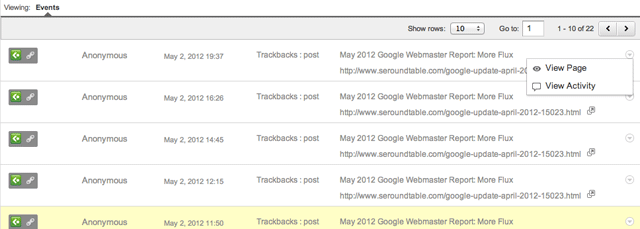
To see it, go to Google Analytics, under Traffic Sources > Social > Pages and then click on a specific page. Then click on the "Activity Stream" option at the top middle portion. Google Analytics will then give you this report:





1 comments:
I think that this is a great idea. It's easy to monitor which backlinks you set up yourself but it's nice to have that extra data. I don't know about you but I spend hours on Google analyitics.. it's addictive!
Regards,
William
Social Meadia Strategy Plan
Post a Comment